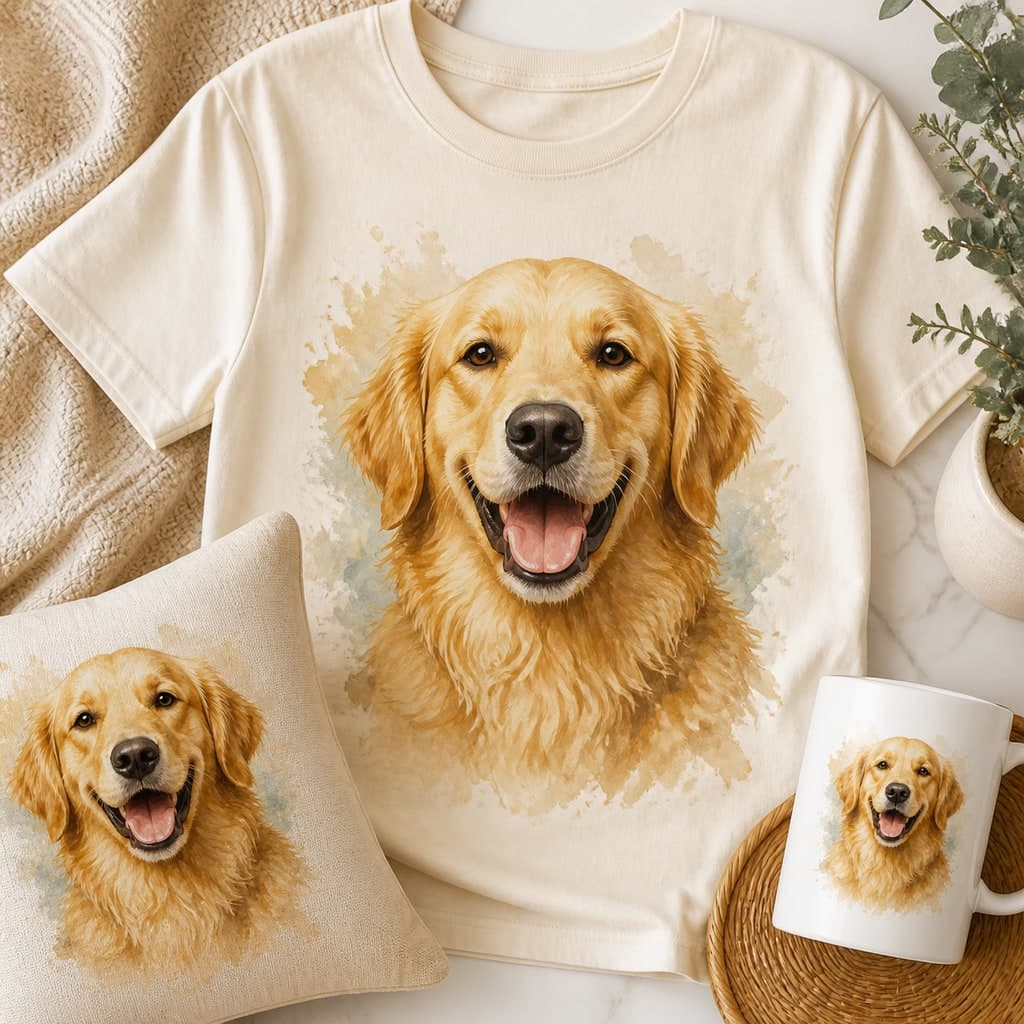
A finished digital pet portrait is a reusable piece of artwork. You can frame it once, place it on a mug for a coworker, make a small pillow for a reading chair, or upload it to a phone-case designer. Love & Likeness does not manufacture those items, but the included PNG and JPEG give you a practical starting point.
The important question is not whether an upload form accepts the file. It is whether the file has enough pixels at the selected print area and whether the product template respects the square composition. Preview tools can make an undersized design look acceptable on screen, so check the vendor's resolution warning and actual dimensions.
Start with the right file
Use the watermark-free download, never a screenshot of the preview. JPEG is widely accepted for full rectangular or square artwork. PNG is useful when a platform prefers it, but the standard portrait PNG still contains its painted background; it is not automatically a transparent pet cutout.
Keep a master copy untouched. Create a duplicate for every product, because a mug wrap, phone case, pillow, and shirt all crop differently. If a service offers automatic enhancement, remember that increasing the file dimensions cannot reliably repair blur, jagged fur edges, or missing detail.
See your pet in a free preview
Upload one clear photo, pick a character, and judge the likeness yourself before paying anything.
Pillows, blankets, and square products
A square portrait maps naturally to a square pillow panel. Keep the face away from seams and leave a small margin around ears and costumes. Blankets usually require a much larger file for edge-to-edge printing, so use a layout with the portrait as a contained central panel rather than stretching the 2400px square across an entire large blanket.
For a repeated blanket pattern, arrange multiple smaller copies inside the vendor's template instead of enlarging one portrait. Inspect the preview at every edge and make sure no face is split by a trim or fold.
Mugs, phone cases, stickers, and ornaments
A mug often uses a wide wrap template. Place the square portrait on one side or repeat it on both sides rather than stretching it around the full cylinder. Phone cases need clear space around the camera opening, buttons, and curved edges. Stickers work best when the whole square artwork is printed as a simple shape unless you have carefully removed the background.
Small ornaments are more forgiving because the print area is compact, but circular products can crop square corners. Center the face and preview the hanging hole, border, and trim. Our pet ornament guide covers that process separately.
Shirts and apparel need extra caution
A large adult chest print may exceed what a 2400px file can support at the vendor's preferred density. Printful currently recommends at least 150 DPI for many products and accepts 300 DPI, while individual product templates vary. At 300 PPI, a 2400px image spans eight inches; at 150 PPI it spans sixteen inches but will not look as detailed at close range.
A contained rectangle or framed square is the most honest apparel use for the existing portrait. A true transparent-background design is a different asset and requires careful fur-edge testing. Do not assume a one-click background remover is flawless—zoom around whiskers, ears, tags, and light-colored fur on both dark and light mockups.
Choose and test a vendor
Compare the exact product's print area, supported formats, resolution warning, color preview, shipping time, and replacement policy. Avoid choosing solely from the polished mockup. When the item matters, order one sample and inspect facial detail, crop, color, seams, and material before ordering more.
A $9.99 finished portrait includes the PNG and JPEG but not a physical product or commercial resale license. For a personal gift, create a free preview, choose the portrait that best represents the pet, and then verify the third-party manufacturer's requirements before ordering.