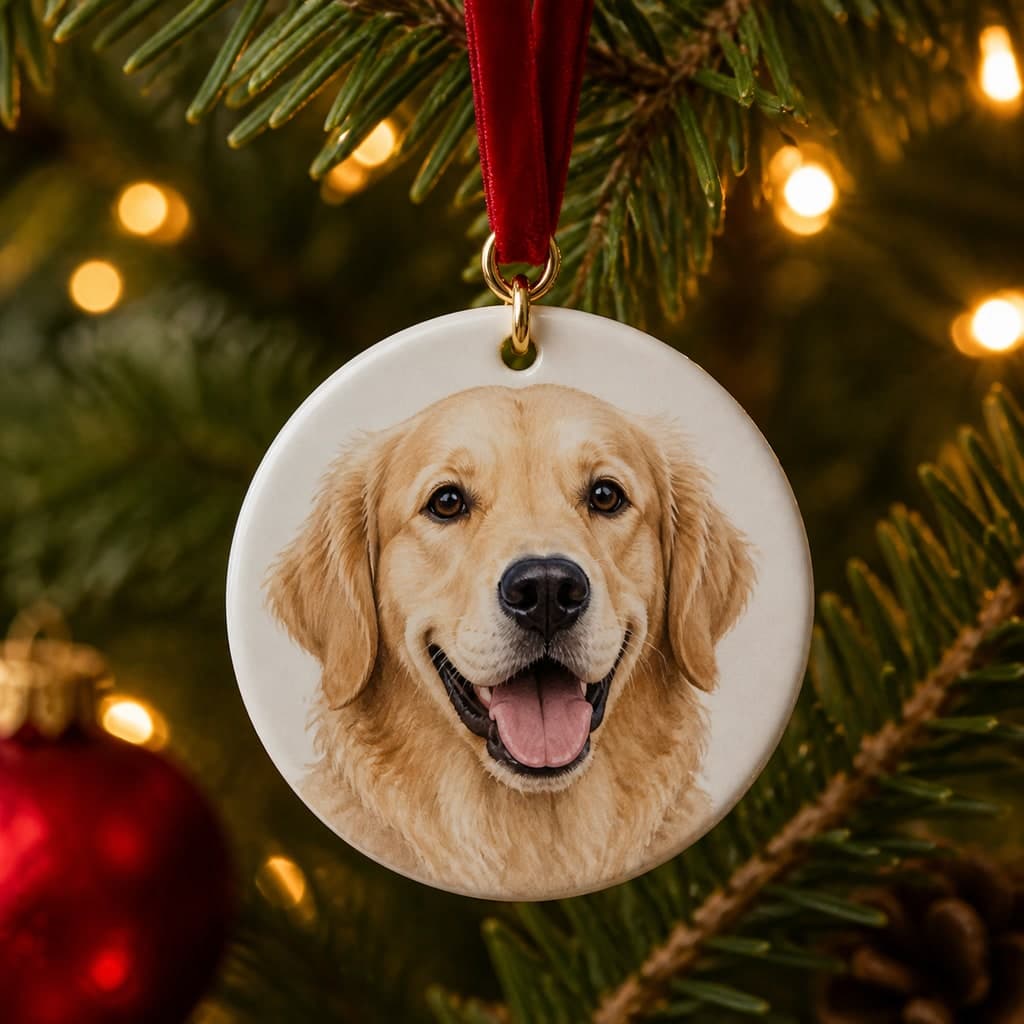
A custom pet ornament turns a favorite image into a small object that returns every holiday. It can celebrate a new puppy, mark a Gotcha Day, represent the family cat on a shared tree, or quietly remember a pet who has died.
You do not need a separate ornament-specific portrait product. Start with the paid PNG or JPEG, choose an ornament manufacturer that accepts customer artwork, and fit the image carefully inside its template. The small print area makes a 2400px portrait more than sufficient in many cases, but crop and safe area still matter.
Choose artwork that survives a small print
Use a portrait with a clear face, strong contrast, and limited background clutter. Royal Portrait creates a festive heirloom mood, while Classic Portrait is better for a restrained or memorial ornament. The Festive Friend set supplies explicitly seasonal scenes.
Zoom the manufacturer's preview out until the ornament appears at roughly its real size. Tiny room details and lettering may disappear. The pet's eyes, markings, and silhouette should remain readable even when the product is only a few inches across.
See your pet in a free preview
Upload one clear photo, pick a character, and judge the likeness yourself before paying anything.
Match the portrait to the ornament shape
A square or rectangular ornament preserves the original composition most easily. A round ornament trims the corners, which can affect capes, wide ears, pirate hats, or a throne. Scale the artwork down slightly and accept a border rather than enlarging it until important features cross the trim line.
Check the hanging hole and any metal cap shown in the template. Leave clear space above the pet's head. If the vendor prints on both sides, use the portrait on the front and a short name, year, or message on the back instead of crowding text over the face.
Add a name or date without covering the portrait
Keep wording short: a pet name, adoption year, or two years separated by a dash. Use the vendor's own text tool when possible so the type remains inside its production-safe area. Avoid very thin script, low contrast, and text close to the edge.
For memorial wording, let the recipient's preferences guide the tone. Some people want dates and a remembrance line; others prefer the pet's face with no explicit reference to loss. The pet memorial portrait guide discusses that choice in a gentler context.
Order, inspect, and present it
Before checkout, inspect front and back previews, trim guides, orientation, finish, ribbon placement, and estimated production time. Confirm that the service is printing the finished artwork rather than the watermarked preview. Save the order preview or proof in case the delivered crop differs.
For a gift, include the digital portrait or a small matching print so the recipient can see the artwork beyond the ornament. Love & Likeness supplies the digital artwork only; production quality, shipping, materials, and returns belong to the ornament manufacturer.