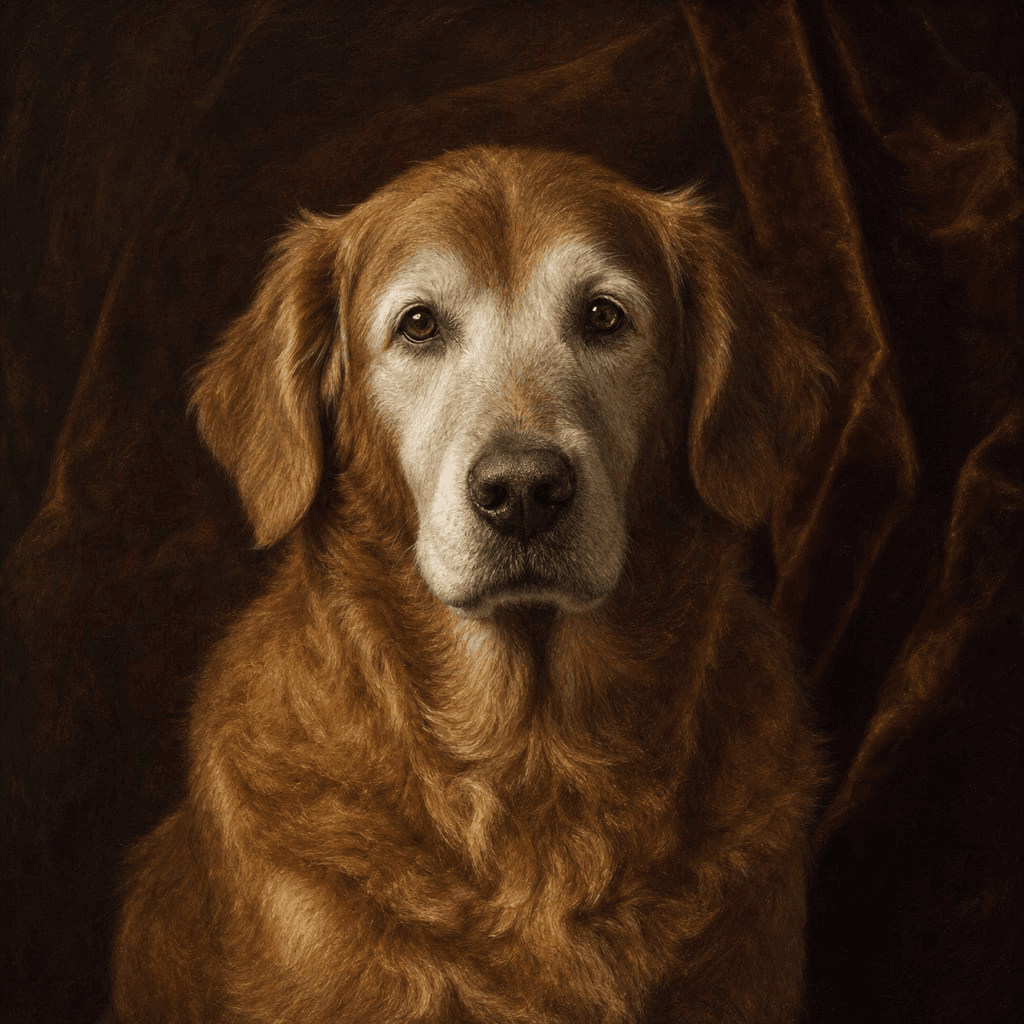
A custom pet portrait begins before you choose Royal, Pirate, Classic, or a room theme. It begins with the photo. A beautiful style cannot recover markings hidden in shadow, guess the shape of an ear outside the frame, or know that a blurry patch is actually a white blaze on the chest.
The good news is that you do not need studio equipment. A clear phone photo in ordinary daylight is often the strongest reference. The goal is not to submit the most artistic photograph in your library; it is to submit the one that explains your pet most clearly.
The nine-point photo checklist
1. Get near eye level. Kneel, sit, or place a small pet safely on a stable surface. A steep photo from above exaggerates the forehead and shortens the muzzle. 2. Show both eyes. A slight turn is fine, but the model needs enough information to understand eye spacing and face shape.
3. Use soft daylight. Open shade outdoors or indirect window light reveals fur and eye color without harsh glare. 4. Keep the face in focus. Zoom into the original file. If the eyes are crisp, the photo is usually usable. If they dissolve into pixels, choose another.
5. Include the ears and chin. Cropped ears encourage awkward hats and incomplete silhouettes. 6. Avoid filters. Portrait mode blur can erase whiskers and fur edges, while color filters can change the markings the artwork is supposed to preserve.
7. Let one pet dominate the frame. Another animal, a person, or a busy toy pile can create ambiguity. 8. Prefer a natural expression. Relaxed alertness generally translates better than a mid-yawn blur. 9. Upload the original. A camera-roll file normally contains more detail than a screenshot or an image downloaded from social media.
See your pet in a free preview
Upload one clear photo, pick a character, and judge the likeness yourself before paying anything.
Good photo, wrong photo, and usable photo
A good reference has clear eyes, even light, recognizable markings, and room around the ears. A wrong reference hides half the face, clips the head, uses a strong beauty filter, or places the pet far away. A usable reference may be older, slightly grainy, or taken on an ordinary phone—but still shows the face clearly enough that someone who knows the pet would recognize it.
This distinction matters for memorial portraits. The best remaining photograph may not be technically perfect, and it does not need to be. Try the clearest meaningful image first, then judge the free preview rather than rejecting an irreplaceable photo in advance. Our memorial portrait guide covers older and imperfect images in more detail.
Match the source photo to the portrait style
Formal styles such as Royal Portrait and Classic Portrait benefit from a face-forward, calm expression. Action-oriented characters such as Pirate and Comic Book Hero can work with a slight three-quarter angle, provided the markings and eyes remain visible.
For a three-panel wall-art set, variety helps. Start with one strong default photograph, then—when available—use alternate photographs of the same pet for individual panels. A sitting pose, close-up, and brighter expression can make the finished set feel coordinated without looking like the identical head was pasted into three rooms.
What to do when no photo is perfect
Choose the image with the clearest facial information, even if the background is messy. Backgrounds and costumes change in the artwork; the face is the valuable reference. Do not enlarge, sharpen, or heavily edit a small file before uploading. Those operations can create false edges without restoring real detail.
Use the free watermarked preview to make the final call. If the portrait misses, the original single portrait includes one likeness retry while the upload remains available. You only pay $9.99 when you decide to keep the watermark-free 2400px download.